"360°" has become one of those words that appears in every proposal and means very little. Doing many things at once is not a 360° campaign. Running a different campaign in every channel is definitely not one.
Here is the definition I work with: one central idea, expressed consistently everywhere the audience meets the brand, with each channel doing a specific job.
One idea, many jobs
Every channel has a role. When you know the role, you know what to make.
| Channel | Its job | Typical output |
|---|---|---|
| Outdoor and screens | Reach and recall at scale | Key visual and one line |
| Social media | Attention and conversation | Short videos, carousels, stories |
| Website or landing page | Detail and conversion | Offer page with a clear action |
| Store, mall and point of sale | The decision at the shelf | Posters, shelf talkers, in-store screens |
| Events and exhibitions | Experience and leads | Booth graphics, demos |
| Messages to existing customers | Follow-up and loyalty | SMS, WhatsApp or email |
You may not need every row. A focused campaign in four channels beats a scattered one in ten.
Start with the key visual
The key visual (KV) is the campaign's master artwork: headline, hero image, brand assets and offer. Everything else adapts from it.
- Test it at both extremes before approval: the smallest social format and the widest screen. A KV that only works as a poster will fight you for weeks.
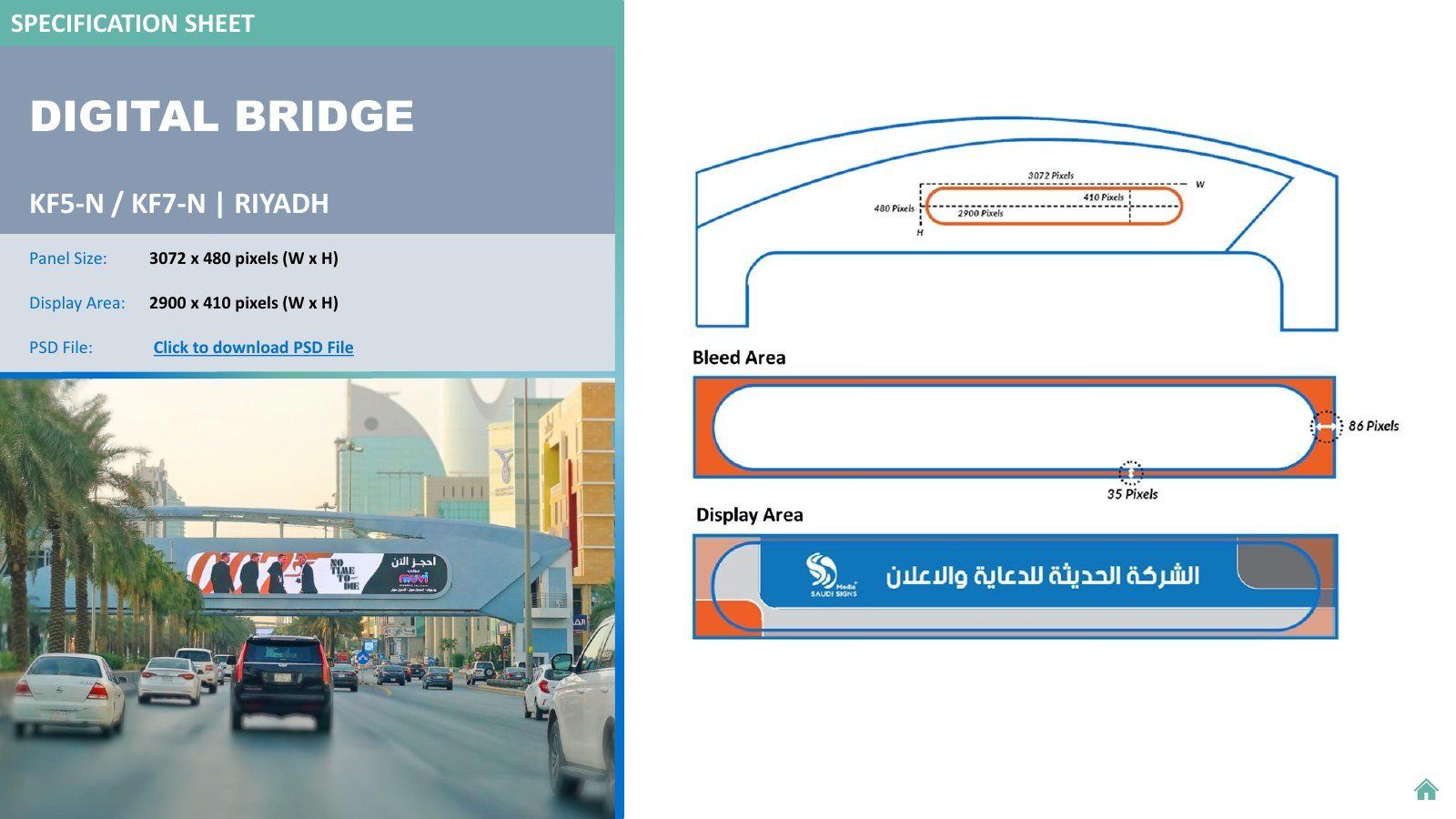
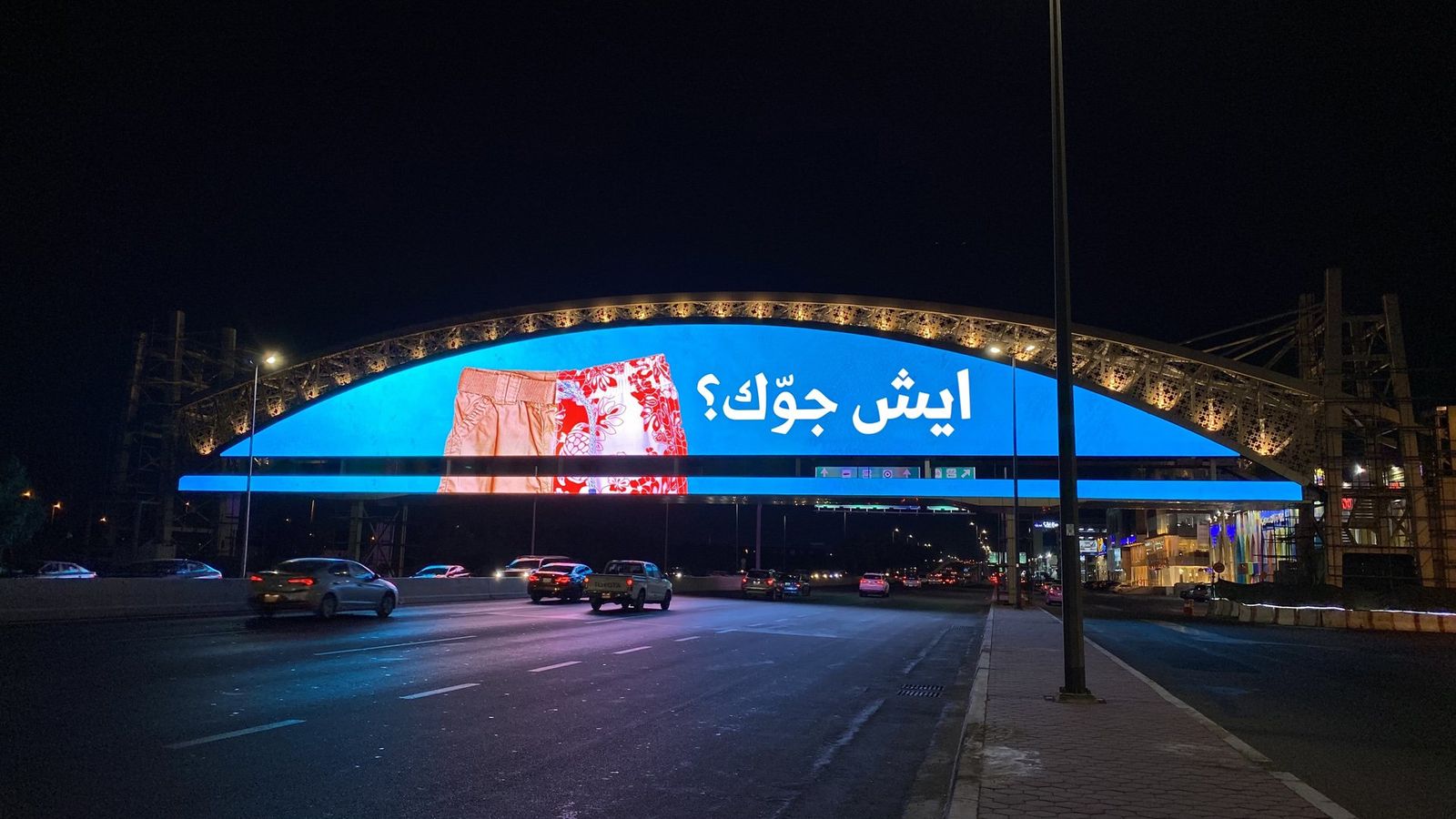
- Approve it on the real context. Mock it up on a bridge, a phone screen and a store wall, not just a laptop.
- Lock the Arabic and English versions together, so neither language feels like an afterthought.
Build an adaptation system
Adaptations are where campaigns quietly fall apart. A small system keeps dozens of sizes consistent:
- A grid with safe zones for logo, headline and offer.
- A type scale, so headline sizes stay proportional across formats.
- A sizes sheet with every format, channel, deadline and owner.
- File naming rules everyone follows.
Keep the message, change the depth
The idea stays the same, but each channel carries a different amount of it:
- Billboard: the idea in seven words or fewer.
- Social: the idea in the first second, with the detail after.
- Landing page: the full offer, terms and a clear way to act.
A simple six-week rhythm
- Week 6: Brief, idea and offer agreed.
- Week 5: Key visual designed and tested at extreme formats.
- Week 4: Adaptations produced from the system.
- Week 3: Approvals, media bookings and landing page built.
- Week 2: Scheduling, and briefing the sales and customer-service teams.
- Week 1: Teasers, then launch.
Common mistakes
- Launching media before the landing page is ready.
- Approving the KV only on a laptop screen.
- Letting each channel team "refresh" the idea until it becomes five different campaigns.
- Forgetting that the people answering the phone need to know the offer too.
How to measure it
Give each channel its own KPI that fits its job (reach for outdoor, engagement for social, conversions for the landing page). Then tie them together with tagged links and one simple question for every new customer: how did you hear about us?